Online Meme Generator
Add classic top and bottom caption text to any photo with bold outline strokes — 100% in your browser, completely private, zero uploads.
Drop an image here to create a meme
or click to browse from device · JPG, PNG, WEBP · up to 20 MB
🔒 Complete client-side privacy: Canvas rendering executes locally in your browser. No files are uploaded to any server.
Complete Engineering Guide: Online Meme Generation & Visual Communication (2026)
In modern digital culture, memes have transcended casual humor to become a primary medium of internet discourse, corporate brand marketing, and social commentary. From micro-blogging platforms and messaging channels to marketing campaigns, memes communicate complex cultural ideas in seconds. However, content creators frequently struggle with complex graphics software when creating quick memes, while commercial online meme generators often compromise photos by adding massive watermarks, lower export resolutions, and upload images to third-party cloud servers.
The DocEasy Online Meme Generator provides a modern, privacy-focused alternative. Built on the native HTML5 Canvas API and client-side JavaScript, it offers the classic two-line meme formatting standard—complete with bold Impact typography, customizable outline strokes, multi-font support, and lossless PNG exporting—without sending your personal pictures to external servers.
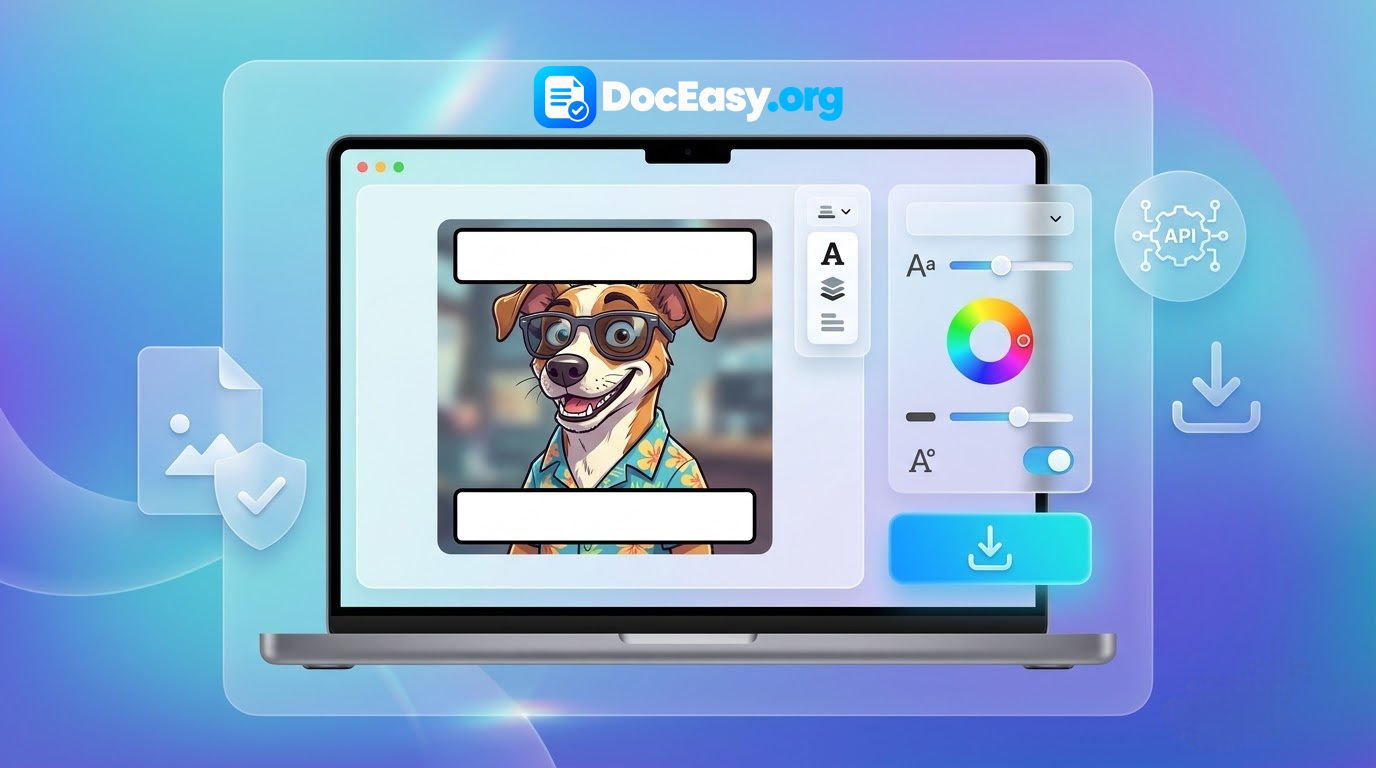
Step-by-Step Tutorial: How to Make a Meme Online
- Load Source Picture: Drag and drop any image (JPG, PNG, or WebP) directly into the dashed upload area, or tap to choose a photo from your phone or computer.
- Input Top & Bottom Text: Enter your punchline or caption into the designated Top Text and Bottom Text fields. By default, text is automatically rendered in classic uppercase.
- Customize Typography & Outlines: Adjust the font slider, pick a typeface, and customize font color and outline thickness. The live canvas updates instantly.
- Export High-Resolution PNG: Click the purple Download Meme button. The browser immediately compiles the canvas into a lossless, high-definition PNG file saved to your device.
1. The Anatomy of Classic Meme Typography: Why Impact Font Rules
The visual language of modern memes is deeply rooted in digital history. The classic meme format—white text with a thick black outline rendered in bold condensed letters—became universal during the mid-2000s imageboard era. This design is built on sound typographical principles:
- High-Contrast Optical Readability: Photos feature unpredictable color palettes, varying from bright skies to dark shadows. A pure white font lettered with a heavy black outline is legible over any background without needing solid background boxes.
- Condensed Geometric Structure: Designed by Geoffrey Lee in 1965, the Impact typeface features thick vertical strokes, narrow proportions, and minimal kerning. This allows long sentences to fit across an image at large sizes without overwhelming visual elements.
- Cross-Platform Universality: Impact is pre-installed across virtually all operating systems (Windows, macOS, iOS, Android, and Linux), enabling browser canvas rendering engines to display fonts consistently without network delays.
2. Typographical Comparison: Choosing the Right Meme Aesthetic
| Typeface Option | Visual Style | Best Applications | Cultural Association |
|---|---|---|---|
| Impact | Bold, tall, condensed sans-serif. | Classic advice animal memes, quick reaction jokes, high-impact statements. | The undisputed internet standard (mid-2000s to present). |
| Arial | Neutral, balanced modern sans-serif. | Subtle modern humor, corporate marketing memes, clean captions. | Contemporary Twitter and LinkedIn marketing styles. |
| Comic Sans MS | Informal, casual handwriting script. | Doge memes, ironic humor, playful teasing, child-friendly jokes. | Whimsical, self-deprecating internet humor. |
| Georgia | Refined, elegant transitional serif. | Literary parodies, historical humor, academic and intellectual jokes. | Formal, vintage, and high-brow satirical memes. |
| Courier New | Fixed-width technical typewriter font. | Programmer memes, terminal jokes, hacker humor, technical errors. | Software engineering, sysadmin, and tech subcultures. |
3. Technical Mechanics: In-Browser HTML5 Canvas Rendering
Unlike traditional online tools that transmit photos to a remote server for processing with ImageMagick or Python Pillow, DocEasy utilizes client-side HTML5 Canvas 2D rendering:
- Zero-Loss Resolution Mapping: When an image is loaded, the hidden canvas matches the image's original dimensions (e.g., 4032×3024 pixels for a 12 MP smartphone photo). Your meme retains full camera resolution rather than being shrunk to fit a browser window.
- Dynamic Word-Wrapping Algorithm: Long captions automatically wrap onto multiple centered lines based on canvas width, ensuring text remains within the frame.
- Two-Pass Text Stroke Pipeline: To guarantee crisp legibility, the rendering engine processes text in two distinct passes. First, it traces the text using
ctx.strokeText()with round line joins to generate the solid outline. Then, it paints the interior letters usingctx.fillText()over the stroke, preserving clean glyph geometry.
4. Social Media Platform Dimensions & Aspect Ratio Guidelines
To maximize engagement when sharing memes across modern social networks, prepare your source photos according to standard dimensions:
- Instagram Feed (Square 1:1): Ideal at 1080×1080 pixels. Provides consistent framing in mobile feeds.
- Instagram & TikTok Stories / Shorts (Vertical 9:16): 1080×1920 pixels. Keep text away from the top and bottom margins to prevent UI overlay cutoffs.
- Twitter / X Timeline (Landscape 16:9): 1200×675 pixels or 1600×900 pixels for optimal desktop and mobile feed previews.
- WhatsApp & Telegram Status: Standard mobile portrait 1080×1920 pixels.
5. Data Privacy: Why Client-Side Processing Protects Personal Photos
Memes are frequently created using personal photos of friends, family, coworkers, or private workplace scenarios. Uploading these images to cloud-hosted meme generators introduces significant data privacy risks:
- Unregulated Server Caching: Cloud converters routinely store uploaded pictures on remote storage buckets for processing and analytics.
- Facial Recognition & AI Scraping: Images uploaded to public converter sites may be scraped or utilized in training datasets for computer vision models without explicit permission.
- Corporate Data Breaches: Centralized image repositories remain vulnerable to server breaches and data harvesting.
The DocEasy Client-Side Architecture: With DocEasy, all pixel rendering, text measuring, and PNG binary compilation execute locally inside your browser's private memory space. No image data is ever transmitted over the network. You can independently verify this architecture: load the Meme Generator, disconnect your internet connection or switch to Airplane Mode, and create your memes. The tool will render and download your files completely offline.
6. Frequently Asked Questions (FAQ)
Q1: Is DocEasy Meme Generator completely free to use?
Yes. The tool is 100% free with no premium paywalls, creation limits, mandatory account signups, or subscription fees.
Q2: Does this meme generator upload my pictures to an external server?
No. All canvas rendering operations execute locally inside your web browser. Your images never leave your computer or phone.
Q3: Why is a small watermark included on the exported image?
A subtle, semi-transparent branding line (MEME GENERATOR | DocEasy.org) is composited into the lower corner to authenticate the generator source while maintaining our free, serverless platform.
Q4: Can I use this meme generator on my smartphone?
Yes. DocEasy is fully responsive and optimized for touch interactions on modern Android and iOS mobile browsers (Chrome, Safari, Firefox).
Q5: Does the generator support transparent PNG backgrounds?
Yes. If you upload a transparent PNG cutout, transparency is maintained in the final exported PNG file.
Q6: What should I do if my text overflows the image borders?
You can reduce the font size slider by 10–20 pixels or break long phrases into shorter sentences. The engine wraps text automatically, but shorter phrases yield the cleanest classic meme look.
Q7: Can I edit a meme after downloading it?
Once exported, the text is flattened into the image pixels. To make adjustments, keep the editor tab open, tweak your text fields or font settings, and export a new copy.
Q8: Can I convert my finished meme to an MP4 video or GIF?
Yes. You can import your downloaded meme PNG into DocEasy's Universal Media Editor to convert, scale, or incorporate it into video and GIF compositions.
7. Recommended Multi-Tool Workflow for Content Creators
Creating engaging social media content often involves multiple photo and video utilities. Combine DocEasy tools for a smooth workflow:
- Step 1 — Clean Your Source Image: Use our Image Background Remover to isolate reaction faces and create transparent cutouts.
- Step 2 — Generate Your Meme: Add top and bottom captions using the Meme Generator.
- Step 3 — Optimize File Weight: Run your finished meme through our Image Compressor to optimize file size for quick sharing on messaging apps.
- Step 4 — Format Conversion: Convert between JPG, PNG, and modern WebP formats using our Image Format Converter.
8. Summary
Creating viral, high-impact memes no longer requires complex graphic design software or compromising your privacy on cloud-hosted generators. The DocEasy Online Meme Generator provides a fast, versatile, and secure meme creation studio directly inside your browser. Bookmark this page today for quick, private meme generation on any device.