Merge PDF Files Online Free
Select multiple PDF documents, arrange them, and combine them into one unified file — 100% private, no upload to any server.
Select or Drop PDF Files
Upload files from any folder on your device
Complete Guide: Merge Multiple PDF Documents into One (2026)
Combining separate PDF chapters, scanned bills, academic records, and legal briefs into a unified document is a regular requirement for corporate compliance, tax submissions, and university assignments. Rather than uploading confidential materials to external conversion databases, DocEasy Merge PDF operates exclusively inside your browser. Our engine sequentially stitches arbitrary page arrays together while retaining internal hyperlinks, bookmarks, and high-resolution vector assets.
Whether you are a student assembling a research dossier, a freelancer submitting invoices to a client, or a professional preparing a multi-part report, merging PDFs has become an essential daily task. DocEasy makes it instant, private, and completely free — no signup, no watermarks, and no file size restrictions imposed by our servers.
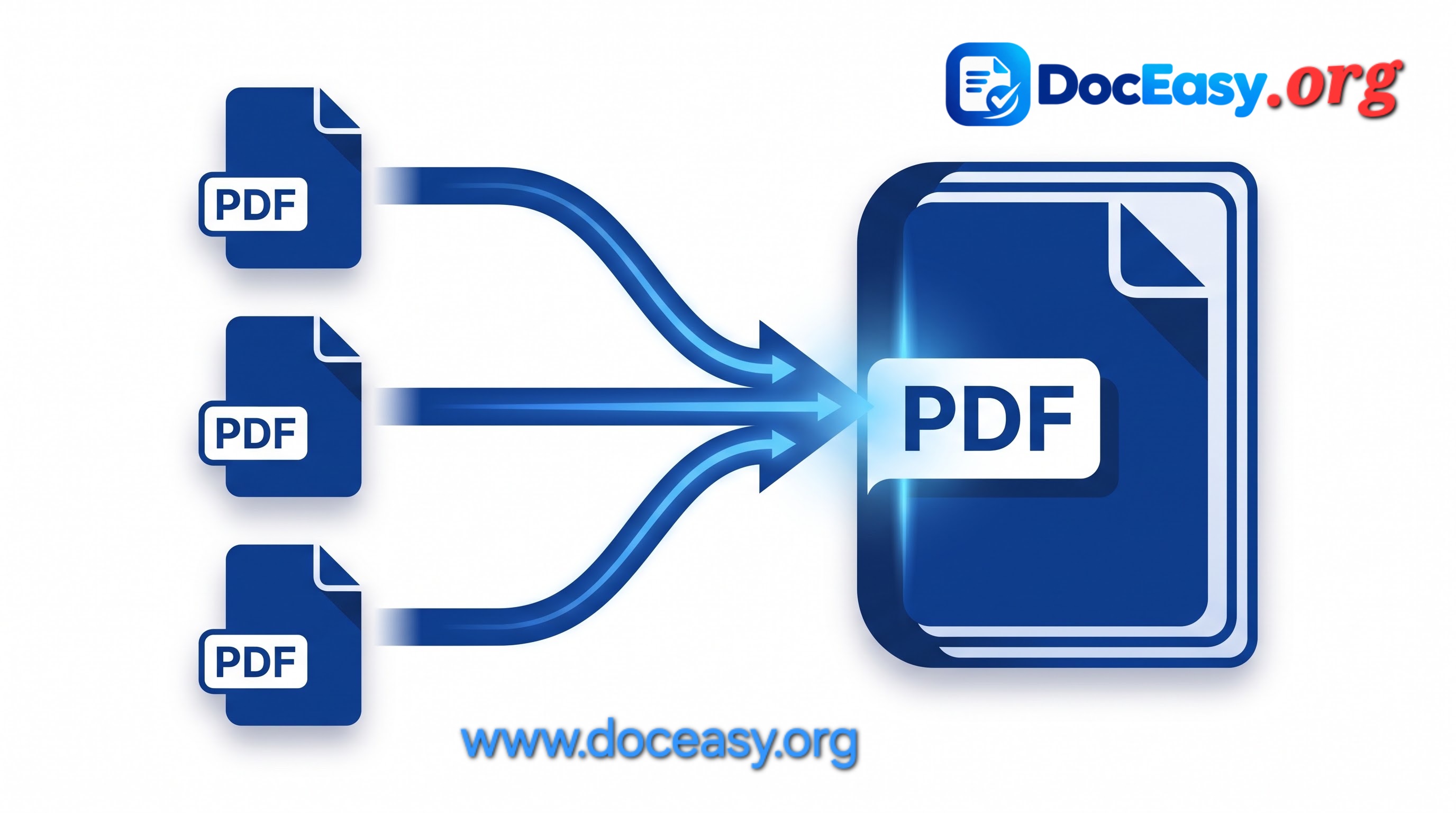
What is PDF Merging?
PDF merging is the process of combining two or more separate PDF files into one single document, preserving the original formatting, fonts, images, and page structure of every source file. Unlike converting formats or editing content, merging simply appends pages from one document to another in a specified order.
The resulting file behaves as a single PDF with continuous page numbering, but each original page retains its unique dimensions, embedded fonts, hyperlinks, and metadata. This makes PDF merging ideal for reports, contracts, portfolios, scanned archives, and academic submissions where preserving the original document integrity is critical.
Why Merge PDF Files? Common Use Cases
Merging PDFs saves time and simplifies file management across nearly every industry. Here are the most common scenarios where combining PDFs is essential:
- Academic submissions: Students merge cover letters, resumes, transcripts, and certificates into a single PDF for university applications.
- Business reports: Teams combine quarterly reports, charts, and financial statements into one master document for board presentations.
- Legal documentation: Lawyers assemble contracts, annexures, and evidence files into a single filing-ready PDF for courts or clients.
- Invoice bundling: Freelancers merge multiple invoices from a month into a single file for easier client billing.
- Scanned archives: Users combine separately-scanned pages or receipts into one coherent document using our Document Scanner and Merge PDF.
- Portfolio assembly: Designers and photographers merge project PDFs into a unified showcase document.
- Tax filing: Individuals merge Form 16, bank statements, investment proofs, and receipts into a single PDF for ITR submission.
- Job applications: Candidates combine resumes, cover letters, and portfolio PDFs into one attachment.
- Government forms: Merge Aadhaar, PAN, and supporting documents into one PDF for online applications.
- Real estate deals: Combine property documents, agreements, and registration papers for legal review.
How to Merge PDFs — Step-by-Step Instructions
Our tool requires no learning curve. Follow these five simple steps to combine your PDFs in under 30 seconds:
- Step 1 — Upload Initial Documents: Tap or drag your primary PDF files into the designated drop zone above. You can select multiple files at once from any folder on your device.
- Step 2 — Add Files from Other Folders: Click the "Add More PDF Files" (+) button to append additional documents without losing your current queue.
- Step 3 — Verify Your File Queue: Inspect the loaded queue list. Remove any accidental entries using the red cross icon. Files will merge in the order they appear.
- Step 4 — Click Merge: Press "Merge PDFs Now" to initiate local document assembly. This happens entirely in your browser memory.
- Step 5 — Download Consolidated File: Save your unified master document instantly. The download begins immediately and the merged file is delivered as a standard PDF.
Why Choose DocEasy Merge PDF?
There are dozens of PDF merge tools online, but DocEasy stands apart for three core reasons:
1. Zero-Knowledge Security
Document parsing and page copying happen entirely inside your device RAM. Your files are never transmitted to any server, never logged, and never stored. Once you close the browser tab, every trace of your document is gone. This makes DocEasy safe for merging Aadhaar cards, PAN cards, bank statements, medical records, and other sensitive documents.
2. Lossless Preservation
Document fonts, interactive form fields, vector illustrations, bookmarks, hyperlinks, and original layout resolution are fully retained. Our engine operates at the object level — meaning text remains selectable, images remain sharp, and hidden metadata stays intact.
3. Fast Client-Side Execution
Powered by PDF-Lib, a modern JavaScript library, merging takes only seconds — even for large multi-file sets. There are no upload queues, no waiting for server responses, and no rate limits. The speed of merging is limited only by your device's processing power.
How Does the Merge Algorithm Work?
When you click "Merge PDFs Now," the tool performs a series of operations entirely in your browser:
- Read each PDF: Every file is loaded into memory as a binary buffer.
- Parse the PDF structure: The engine extracts page objects, embedded resources, fonts, and metadata.
- Create a new document: An empty PDF document is initialized in memory.
- Copy pages sequentially: Pages from each source file are copied in order using the
copyPagesmethod, which preserves cross-references and object streams. - Write the output: The final document is serialized into a binary PDF, then offered as a downloadable Blob.
Because every step happens locally, no network requests occur during the merge process. You can even disconnect from the internet after loading the page and the merge will still work.
Best Practices for Merging PDFs
- Order matters: Arrange files in the exact order you want them to appear. The queue reflects the final sequence.
- Check file sizes: Merging many large PDFs may consume significant memory. For files over 100 MB each, consider splitting the merge into batches.
- Use consistent orientation: Mixing portrait and landscape pages is supported, but the final document may look uneven. Preview each file first if possible.
- Clean your queue: Remove accidental files with the red cross icon before merging.
- Save your merged file promptly: The output is generated in memory — download it before closing the tab.
- Compress afterwards if needed: If the merged file is too large for email or upload, use our Compress PDF tool next.
Common Issues and How to Fix Them
Merged file is too large
Use the Compress PDF tool after merging to reduce the file size without losing readability.
Some pages appear rotated
This is typically a rotation metadata issue in the source files, not the merge itself. Open the source PDF in any viewer and rotate the pages, then re-upload.
Bookmarks disappeared after merging
Bookmark preservation depends on whether the source PDFs contain bookmarks. DocEasy preserves them when present, but does not generate new ones.
Form fields stopped working
Interactive forms are copied as static objects when merging. If you need editable forms, consider filling them before merging.
Security & Privacy — Deep Dive
Unlike cloud-based PDF tools that upload your files to remote servers for processing, DocEasy performs every operation locally:
- No data transmission: Your files never leave your device. There is no HTTP upload, no API call, no server storage.
- No tracking: We don't embed tracking pixels in your files, nor do we log merge activity.
- No account required: You can use the tool completely anonymously — no email, no login, no cookie required.
- Offline capable: After the page loads, you can disconnect from the internet and merge files offline.
- GDPR & DPDP compliant: Because we never process personal data on our end, we are automatically compliant with global privacy regulations.
Compare DocEasy with Other Tools
Most online PDF mergers require uploads, impose file-size limits, or add watermarks. Here's how DocEasy compares:
- vs. Smallpdf: Smallpdf uploads files to its servers and imposes a 2-file free limit. DocEasy is unlimited and 100% local.
- vs. Adobe Acrobat: Acrobat requires a paid subscription for merging. DocEasy is completely free.
- vs. iLovePDF: iLovePDF processes on servers and limits file size to 100 MB. DocEasy has no server-side limits.
- vs. Sejda: Sejda limits free merges to 3 tasks per hour. DocEasy has no time restrictions.
Frequently Asked Questions
Is there any limit on how many PDFs I can merge?
No. Merge as many as needed, bounded only by your device's available browser memory. Most modern devices handle 50+ files comfortably.
Will merging compress or reduce text sharpness?
No. The engine extracts exact underlying page objects without rasterizing. Text remains vector-sharp, and images retain their original resolution.
Is my document confidential?
Absolutely. No file is saved, logged, or sent over the internet. Every byte is processed in your browser's memory.
Can I merge password-protected PDFs?
Password-protected PDFs must be unlocked first. Use the correct password in any PDF viewer to remove protection, then upload the unlocked copy.
Does merging preserve hyperlinks and bookmarks?
Yes. Internal hyperlinks, cross-references, and bookmarks are preserved when present in the source files.
Can I reorder files before merging?
Yes. Remove files with the red cross icon and re-add them in the desired order, or upload them in the correct sequence from the start.
Does this work on mobile?
Yes. DocEasy works on any modern mobile browser — Android, iOS, or tablet. No app installation required.
What is the maximum file size supported?
There is no artificial limit. The real constraint is your device's RAM. Files up to several hundred MB usually merge fine on modern devices.
Can I merge PDFs offline?
Yes. After the page loads once, you can disconnect from the internet and continue merging PDFs offline. All processing is local.
Do you keep a copy of my merged file?
No. We have no access to your files. Merged output is generated in your browser and immediately downloadable — nothing is stored on any server.
Related Tools You May Need
Once you've merged your PDFs, you may also find these DocEasy tools useful:
- Split PDF — Extract specific pages from a large PDF
- Compress PDF — Reduce file size for email or upload
- PDF Editor — Edit text and images directly
- PDF to Word — Convert to editable documents
- PDF to JPG — Convert pages into images
- Document Scanner — Scan paper documents to PDF
Conclusion
Merging PDFs shouldn't require uploading sensitive documents to unknown servers, paying for a subscription, or installing bloated software. DocEasy's Merge PDF tool gives you a fast, free, private way to combine any number of PDFs into one polished document — right from your browser.
Whether you're a student, professional, freelancer, or business owner, our tool is designed to fit seamlessly into your workflow. Try it above and experience the speed and privacy of client-side processing for yourself.