Resize Signature & Image Online
Resize images and signatures by custom pixels, centimeters, and exact file size in KB.
Advertisement
Select Or Drag & Drop Images Here
Signature, photo, or document image
Note: You can resize images securely in your browser.
Advertisement
Complete Guide: How to Resize Signature & Photos Online
Application portals for competitive exams and government submissions require precise dimensions in pixels or centimeters along with strict KB file limits. DocEasy Resize Signature tool allows you to customize width, height, and target KB weights instantly with 100% client-side privacy.
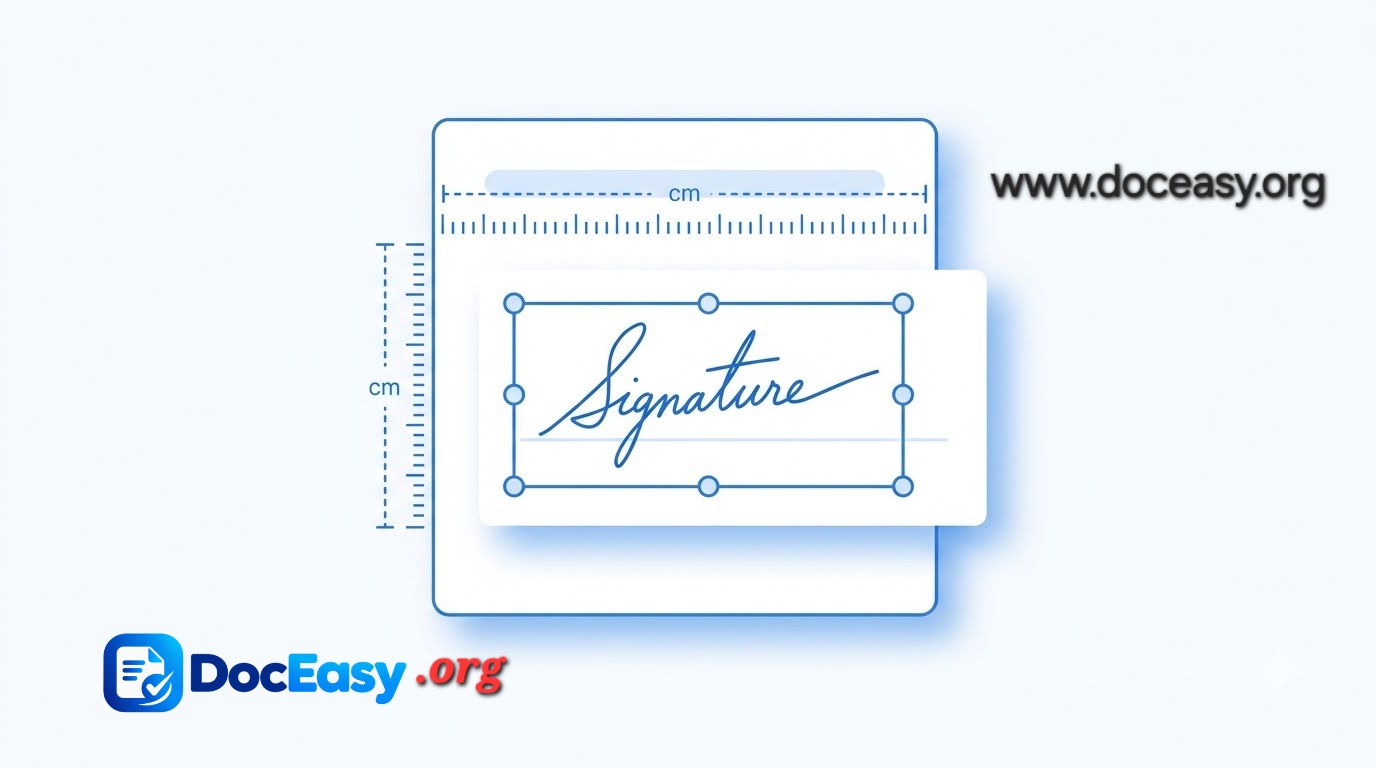
Visual guide illustrating signature dimensions and file size adjustments.
Step-by-Step Instructions:
- Step 1 - Select Image: Click "Select Images" or drop your signature/photo file.
- Step 2 - Choose Units: Select between Pixel or Centimeter mode.
- Step 3 - Set Dimensions & KB: Enter your required Width, Height, and target KB size.
- Step 4 - Download: Click "Resize Signature" to save your file instantly.
Advertisement