2 in 1 ID Maker
Merge Aadhaar, PAN, Voter ID, Driving Licence front and back on a single A4 page. AI removes the messy background, auto-crops the card, rotates, and exports a print-ready PDF. 100% browser-based.
Front Side
Click or drag & drop a photo
Back Side
Click or drag & drop a photo
Scan Filters & Adjust
Live Preview
Drag the four blue circles to the card corners, then tap Crop. Rotate buttons below also work here.
2 in 1 ID Maker — Merge Aadhaar, PAN Front and Back on One Page (2026)
Every bank, government portal, exam authority, cyber cafe, and CSC center asks for a copy of your ID card on a single page. But when you photograph the front and back of your Aadhaar, PAN, Voter ID, or Driving Licence, you end up with two separate images that take two pages to print. DocEasy's 2 in 1 ID Maker solves this problem completely — an AI model removes the messy background, auto-crops the card with a small margin, lets you rotate if needed, apply scan filters, merge both sides on one clean A4 page, and export a print-ready PDF in seconds. No upload, no signup, no watermark.
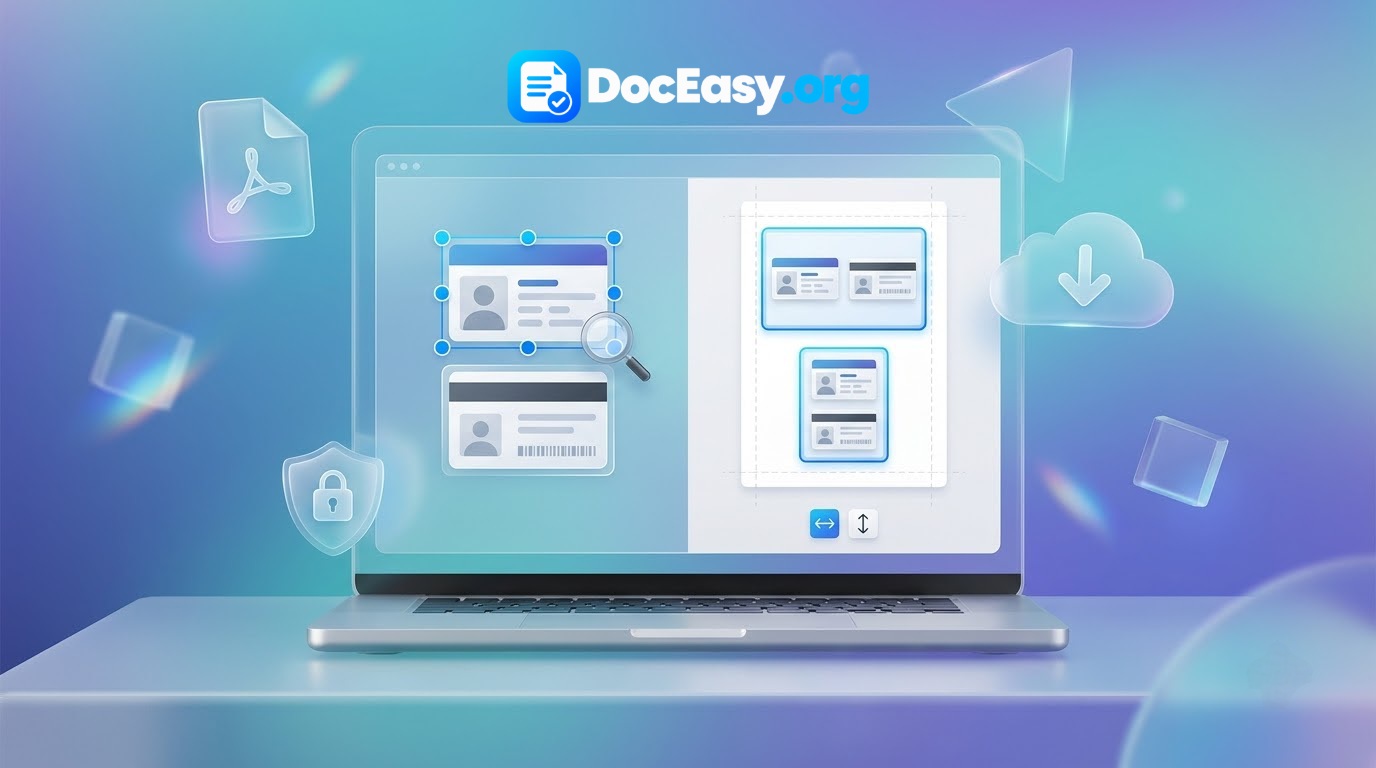
What is a 2 in 1 ID Maker?
A 2 in 1 ID Maker is a browser-based tool that takes two separate photos of an ID card — the front side and the back side — and merges them onto a single A4-size page. The final output is a print-ready document where both sides of your card appear side by side (or stacked vertically) in their actual physical size of 85.6 mm × 54 mm. You can then print this on any A4 paper using any home printer, cyber cafe printer, or office printer.
This is useful because almost every Indian government form, bank account application, school admission form, exam registration, and KYC process requires you to attach a photocopy of both sides of your ID card. Traditionally, people photocopy the front and back separately, which wastes two pages of paper. With a 2-in-1 ID maker, you save paper, save time, and produce a cleaner, more professional document.
Why AI Background Removal + Auto-Crop Matters
When you photograph an ID card on a table, the photo usually includes the table surface, shadows, other documents, your hand, or the phone casting a shadow. Traditional cropping tools force you to manually select the card, but if the background has other rectangular objects, the auto-detect can pick the wrong edges. Our new AI mode fixes this by running a neural network inside your browser that separates the card from whatever is behind it. The tool then detects the card's bounding box and auto-crops with a small ~0.5 cm margin on all four sides, so the card sits neatly in the final layout. You can still fine-tune manually with the Adjust Corners editor at any time.
Who Needs This Tool?
- Cyber cafe operators who fill out forms for customers daily and need a fast, clean way to merge ID card photos.
- CSC (Common Service Centre) operators who process government applications for Aadhaar, PAN, Voter ID, and ration cards.
- Students applying for scholarships, entrance exams, college admissions, and hostel applications.
- Job seekers submitting documents for interviews, joining formalities, and background verification.
- Bank customers opening accounts, applying for loans, updating KYC, or submitting address proof.
- Small business owners submitting GST registration, shop licences, and vendor applications.
- Senior citizens applying for pension, insurance, or government schemes.
- Anyone who wants to print both sides of their ID on a single page without visiting a photocopy shop.
How to Use the 2 in 1 ID Maker — Step by Step
- Upload the Front Side: Click the left slot or drag-and-drop a photo. AI removes the background and auto-crops the card with a small margin.
- Rotate If Needed: Use the ↺ or ↻ buttons to rotate 90° left or right. Two clicks give 180°.
- Manual Adjust (optional): If auto-crop misses, tap "Adjust Corners" and drag the four blue circles to the exact card corners. Use the zoom loupe for precision.
- Upload the Back Side: Repeat the same process for the back side.
- Apply Scan Filters: Choose from Original, Auto, Sepia, Magic Color, Grayscale, B&W Doc, or Whiteboard.
- Choose Layout & Size: Horizontal Side-by-Side on A4 Portrait (top-aligned), or Vertical Stacked on A4 Landscape (centered). Choose Actual Size (85.6 × 54 mm) or Large (100 × 63 mm).
- Download: Click "Download PDF" for a 300 DPI print-ready A4 PDF, or "Download JPG" for a share-ready image.
Why Choose DocEasy's 2 in 1 ID Maker?
1. AI Auto Background Removal + Auto-Crop
A state-of-the-art neural network runs entirely inside your browser to remove the table, hands, other cards, shadows, and cluttered background. It then automatically finds the card's bounding box and crops with a small margin around all four sides.
2. 100% Browser-Based — Total Privacy
Unlike many online tools that upload your Aadhaar or PAN to a server, DocEasy processes everything locally. Your ID card photos never travel over the internet. Disconnect Wi-Fi after page load — the tool still works.
3. Rotate Any Photo in One Click
Photos taken on phones are often in the wrong orientation. The ↺ and ↻ buttons fix it instantly. Corner positions rotate automatically too.
4. Seven Scan Filters
- Original: No changes.
- Auto: Automatic brightness and contrast levelling.
- Sepia: Warm vintage brown tone.
- Magic Color: Boosted colours with levelled brightness.
- Grayscale: Black and white, smaller file size.
- B&W Doc: High-contrast black and white.
- Whiteboard: Whites out the background while keeping text crisp.
5. Actual Physical Size
Your printed output matches the standard CR80 ID card dimensions (85.6 × 54 mm). Exported at 300 DPI — accepted by all government portals and banks.
6. Free Forever, No Limits
Unlimited IDs. No signup, no email, no credit card, no watermark (unless you enable it).
Which IDs Can You Merge?
- Aadhaar Card: Front (photo, number) + back (address).
- PAN Card: Front (photo, name, DOB) + back (signature).
- Voter ID (EPIC): Front + back on one page.
- Driving Licence: Front + back with vehicle classes.
- Ration Card, Ayushman Bharat Card, JAN Aadhaar Card, Passport, Student ID, Employee ID, Bank Passbook, Shop Act Licence, GST Certificate, FSSAI Licence and more.
Best Results — Photography Tips
- Use a dark matte surface: Place the card on a dark table, black cloth, or dark matte paper for maximum contrast.
- Use natural daylight: Photograph near a window. Avoid flash and yellow indoor lights.
- Keep the card flat: Don't hold it in your hand — the curves create distortion.
- Hold the camera parallel: Keep the phone directly above the card.
- Fill the frame: Get close while keeping all four corners visible.
Printing Tips for Perfect Output
- Use A4 paper: Standard 210 × 297 mm.
- Print at "Actual Size" or "100% Scale": Never "Fit to Page".
- Use a laser printer for sharper text.
- 80-100 GSM paper is ideal for KYC documentation.
Privacy and Security
ID cards are among the most sensitive personal documents in India. DocEasy takes this seriously:
- No uploads: All processing happens inside your browser tab.
- No server storage: Nothing is saved anywhere except your device's temporary memory.
- No tracking: We don't log what you upload, when, or how many times.
- No account needed: Use it completely anonymously.
- Offline capable: After the page loads once, disconnect from Wi-Fi and continue working.
Technical Details
- AI background removal: @imgly/background-removal (WebAssembly in browser).
- Auto-crop: Bounding box of non-transparent pixels + 6% margin.
- Perspective correction: Homography-based warp with bilinear interpolation.
- PDF generation: pdf-lib 1.17.1, generating a 300 DPI A4 page.
- Output: A4 Portrait for Side-by-Side, A4 Landscape for Stacked.
- Card size: CR80 standard 85.6 × 54 mm or 100 × 63 mm.
Frequently Asked Questions (FAQ)
Is this 2 in 1 ID Maker really free?
Yes, 100% free. No signup, no email, no phone number, no daily limit.
Are my Aadhaar and PAN photos uploaded to any server?
Never. All processing runs in your browser using Canvas API, OpenCV.js, and pdf-lib.
How does AI background removal work?
A neural network model runs inside your browser and automatically separates the ID card from the table, other cards, or cluttered background.
Does the tool auto-crop the ID card?
Yes. After AI removes the background, the tool detects the card edges and auto-crops with a small margin around all four sides.
Can I merge Aadhaar front and back on one page?
Yes. This is the most common use case. Upload the front, upload the back, choose Side by Side layout, and download the PDF.
Can I merge PAN card front and back?
Yes. Also works with Voter IDs, Driving Licences, Ration Cards, Ayushman Cards, and any rectangular document.
How do I rotate a landscape photo to portrait?
Use the ↺ (rotate left) or ↻ (rotate right) buttons. Each click rotates 90°.
What if auto-crop misses the card?
Tap "Adjust Corners" and drag the four blue circles to the card corners. This always works.
What size PDF does it produce?
A4 Portrait (210 × 297 mm) for the Side-by-Side layout, and A4 Landscape (297 × 210 mm) for the Stacked layout, at 300 DPI.
Can I choose the card size?
Yes — "Actual Size" gives CR80 (85.6 × 54 mm), "Large" gives 100 × 63 mm.
Does it work on mobile phones?
Yes. Fully responsive on Android and iOS including Chrome, Safari, Firefox, and Samsung Internet.
Can I use it without internet?
Yes. After the page and AI model load once, disconnect from the internet and everything still works.
Is there a file size limit?
No hard limit. Very large photos above 10 MB may take longer. For best speed keep photos under 5 MB.
Can I use this for commercial purposes?
Yes. Cyber cafes, CSC centers, and print shops can use this tool freely.
Does the AI model need to download every time?
No. It downloads about 40 MB on first use, then is cached by your browser for future visits.
Can I turn off the AI background removal?
Yes. Uncheck the AI toggle above the upload slots to skip it and process the original photo directly.